The complete Quran
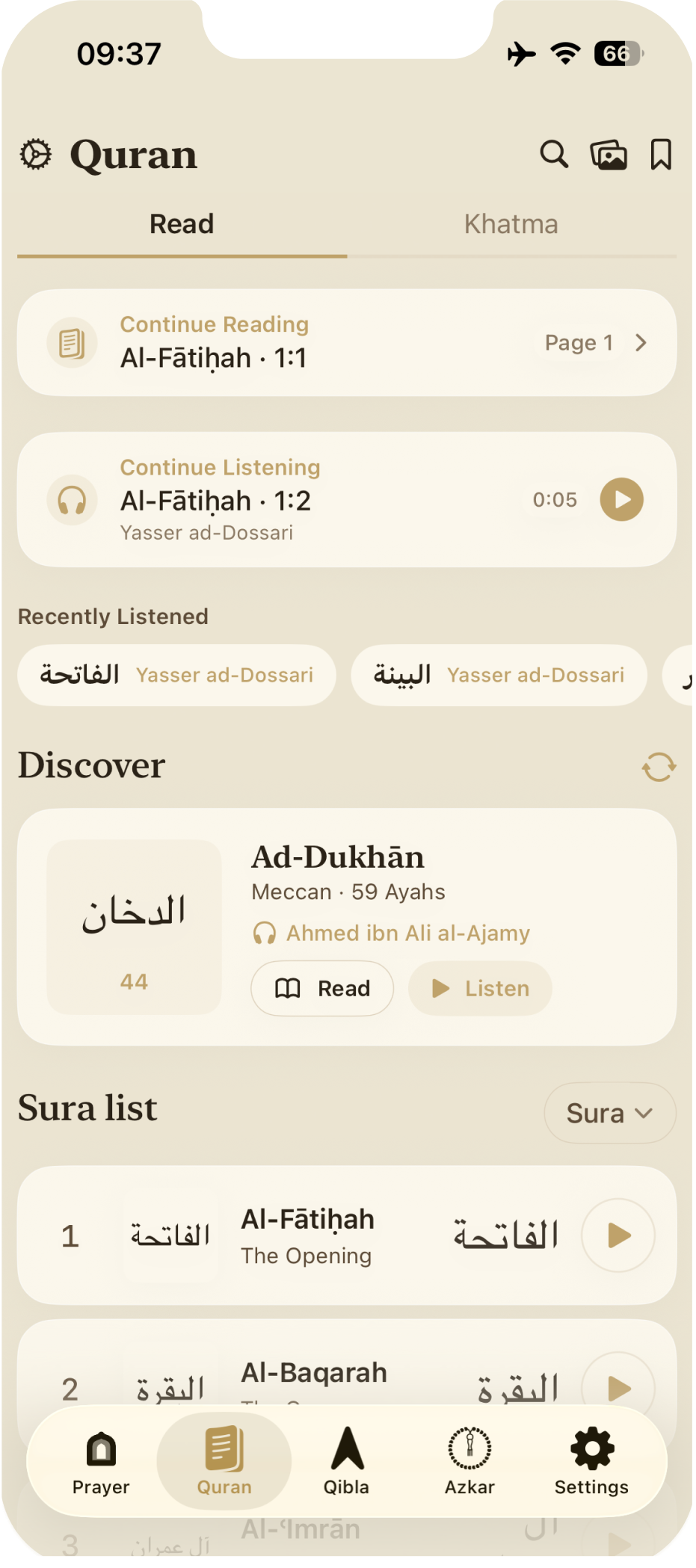
Full Uthmanic mushaf with 40+ offline translations, multiple reciters, smart auto-scroll, and khatm progress that respects your pace.
A calm companion for daily worship
Prayer times, Qibla, the complete Quran, azkar and a private prayer journal — beautifully crafted for iPhone and Apple Watch. No accounts. No tracking. No ads.
Built for iPhone and Apple Watch, with English, Arabic, Swedish and Hungarian support.
Six core tools, designed to disappear into your day. Open the app, do what you came to do, close it.
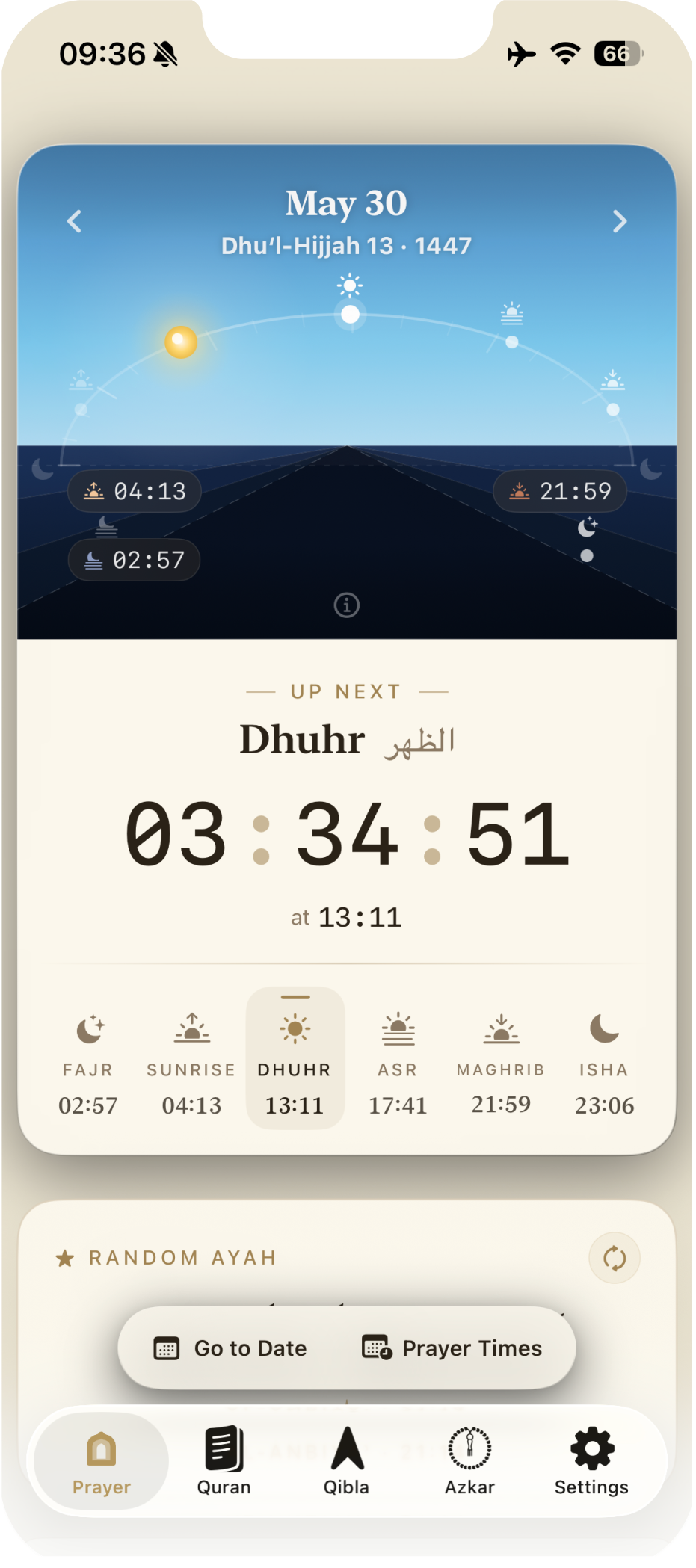
The day's prayers traced as a celestial arc — sunrise, dhuhr, asr, maghrib, isha — with the live countdown to the next salah. A glance is all you need.
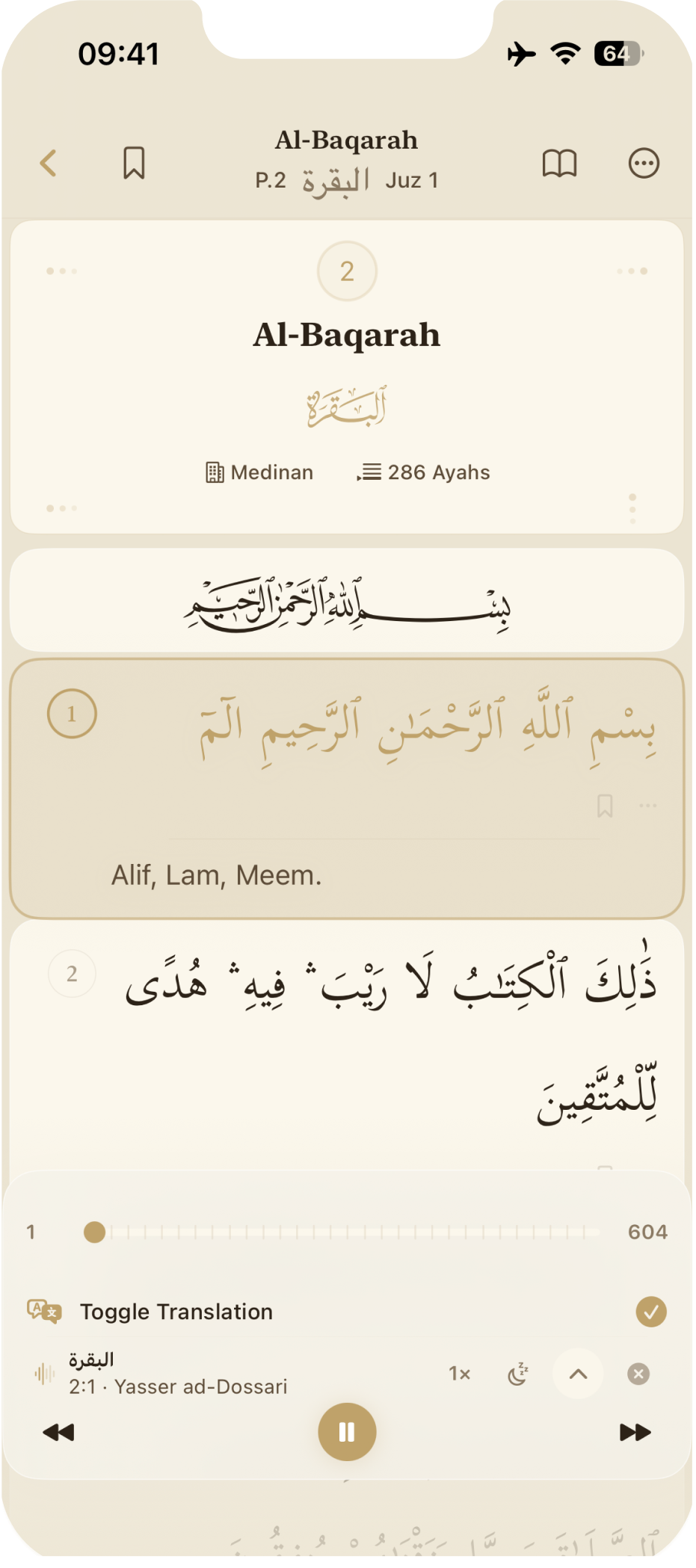
Full Uthmanic mushaf with 40+ offline translations, multiple reciters, smart auto-scroll, and khatm progress that respects your pace.
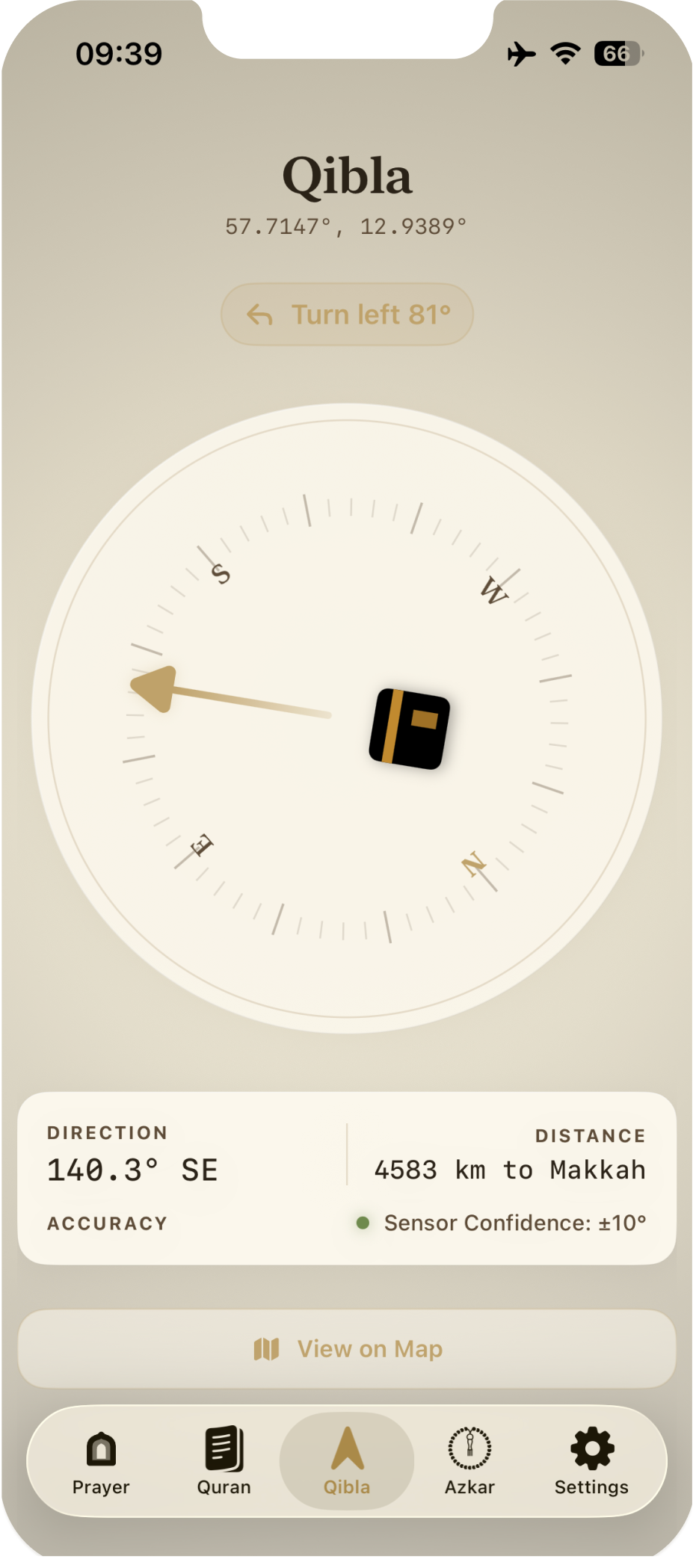
Real-time direction to the Kaaba with distance display, satellite map confirmation, and an Apple Watch complication for your wrist.
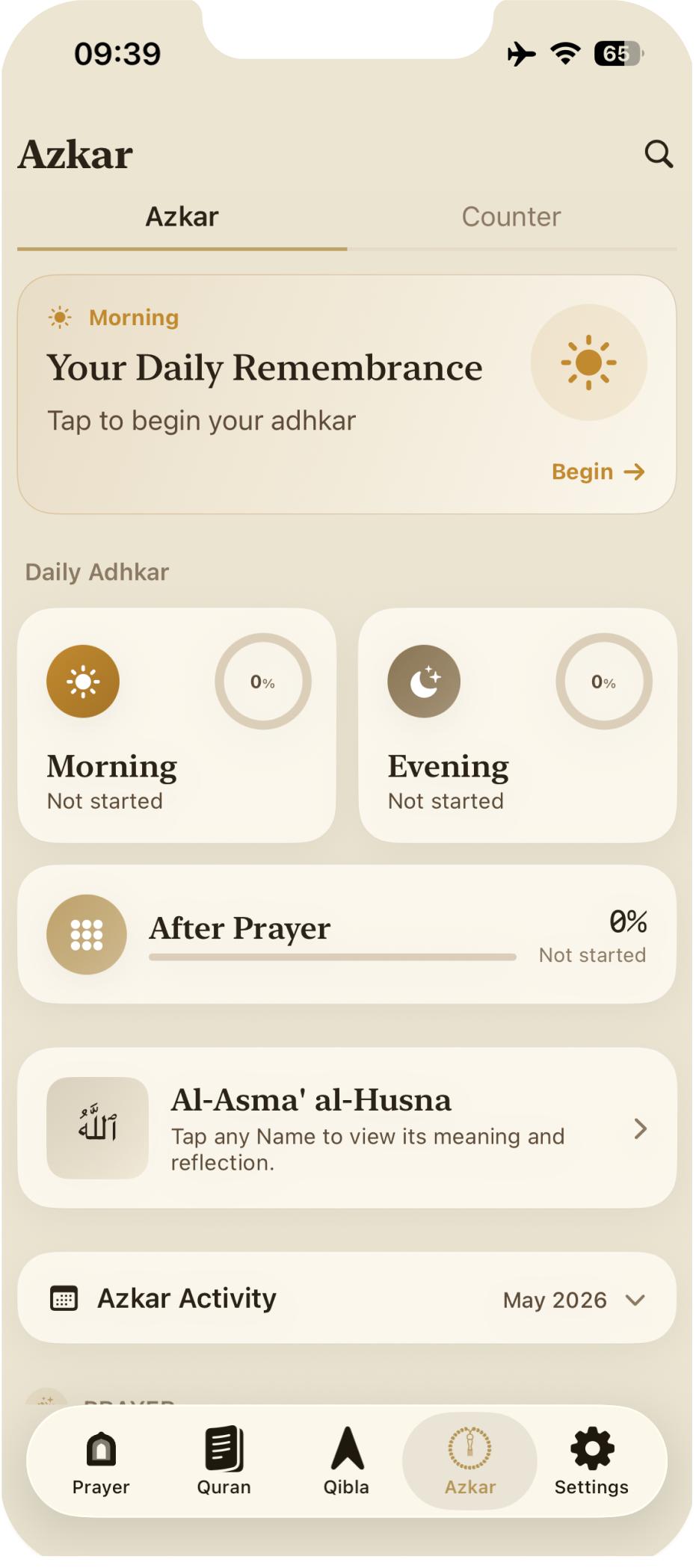
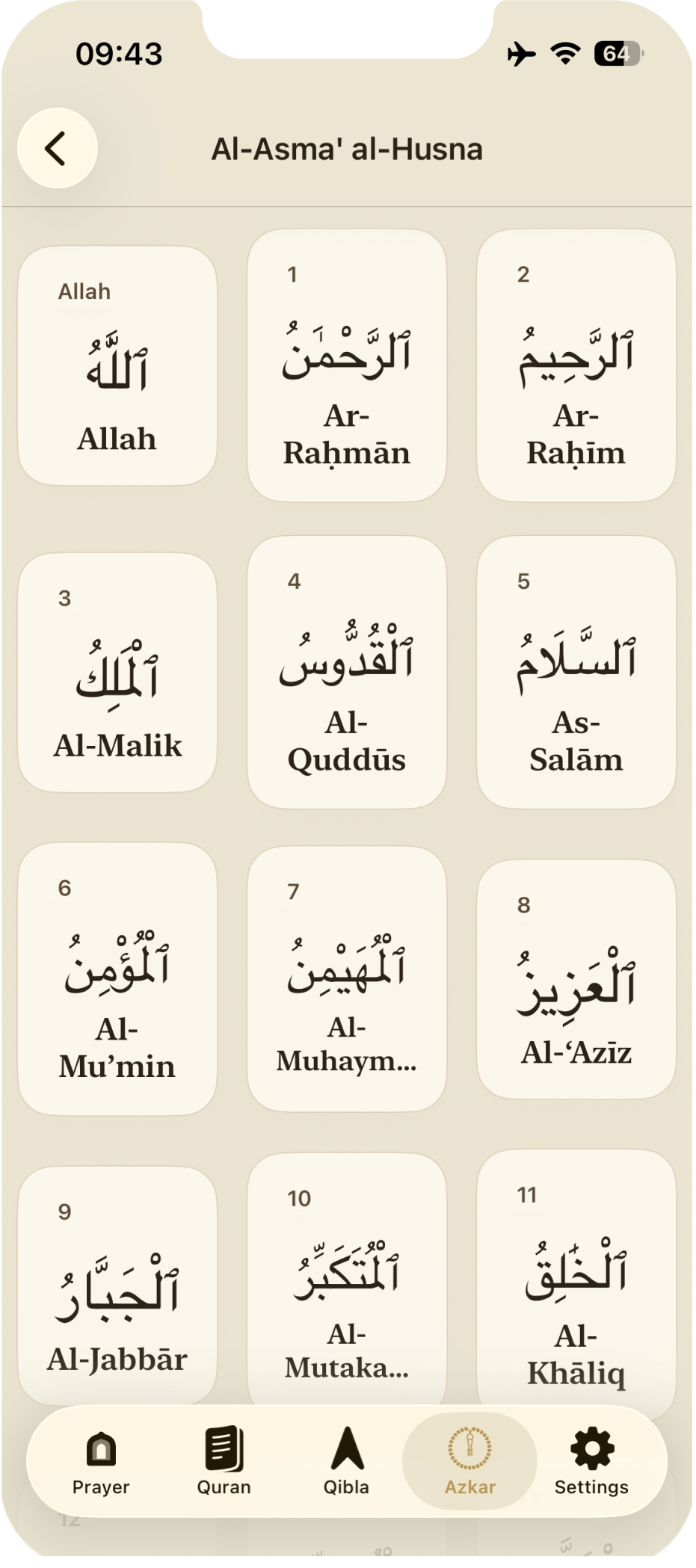
Morning, evening & post-prayer adhkar with a haptic counter — plus Al-Asma' al-Husna with reflections.
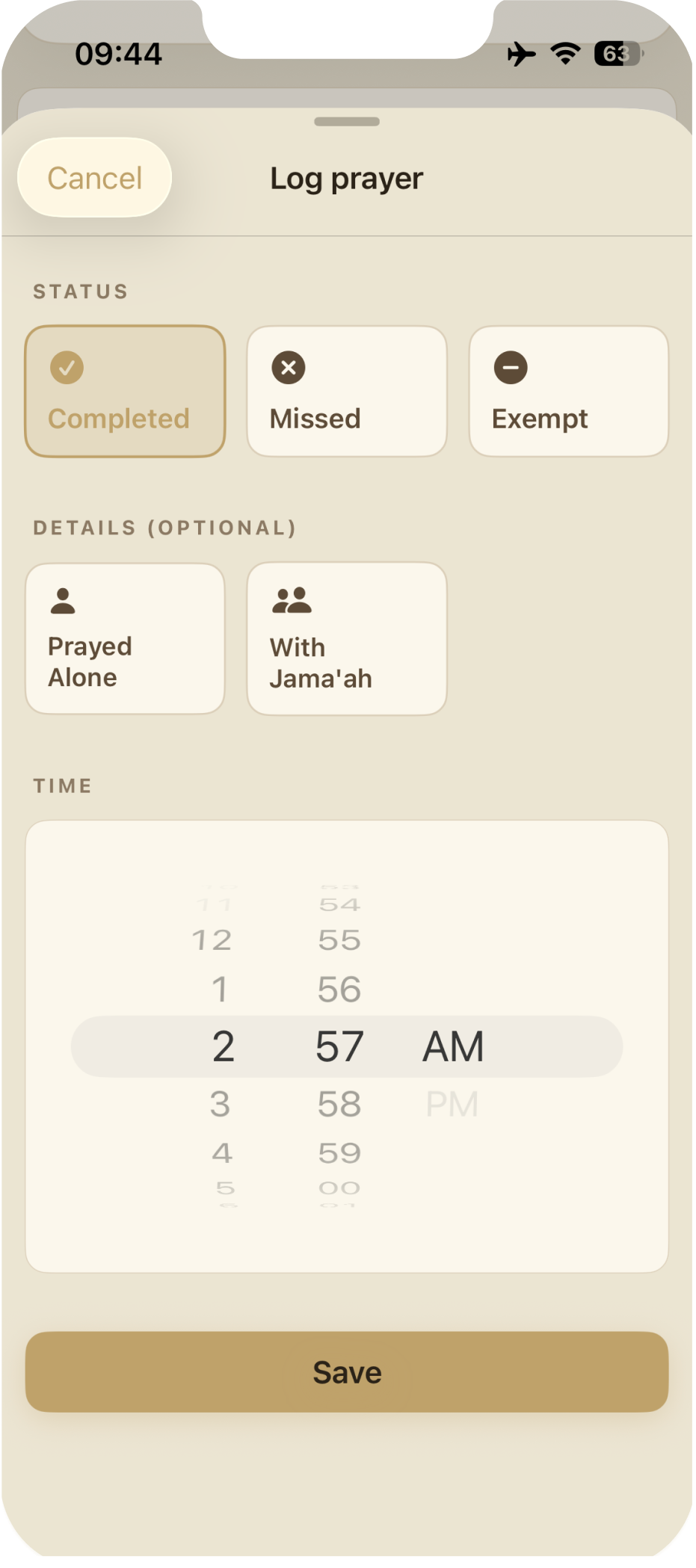
Log salah with a tap. Visual heatmaps and gentle insights — no streaks, no shame, no pressure.
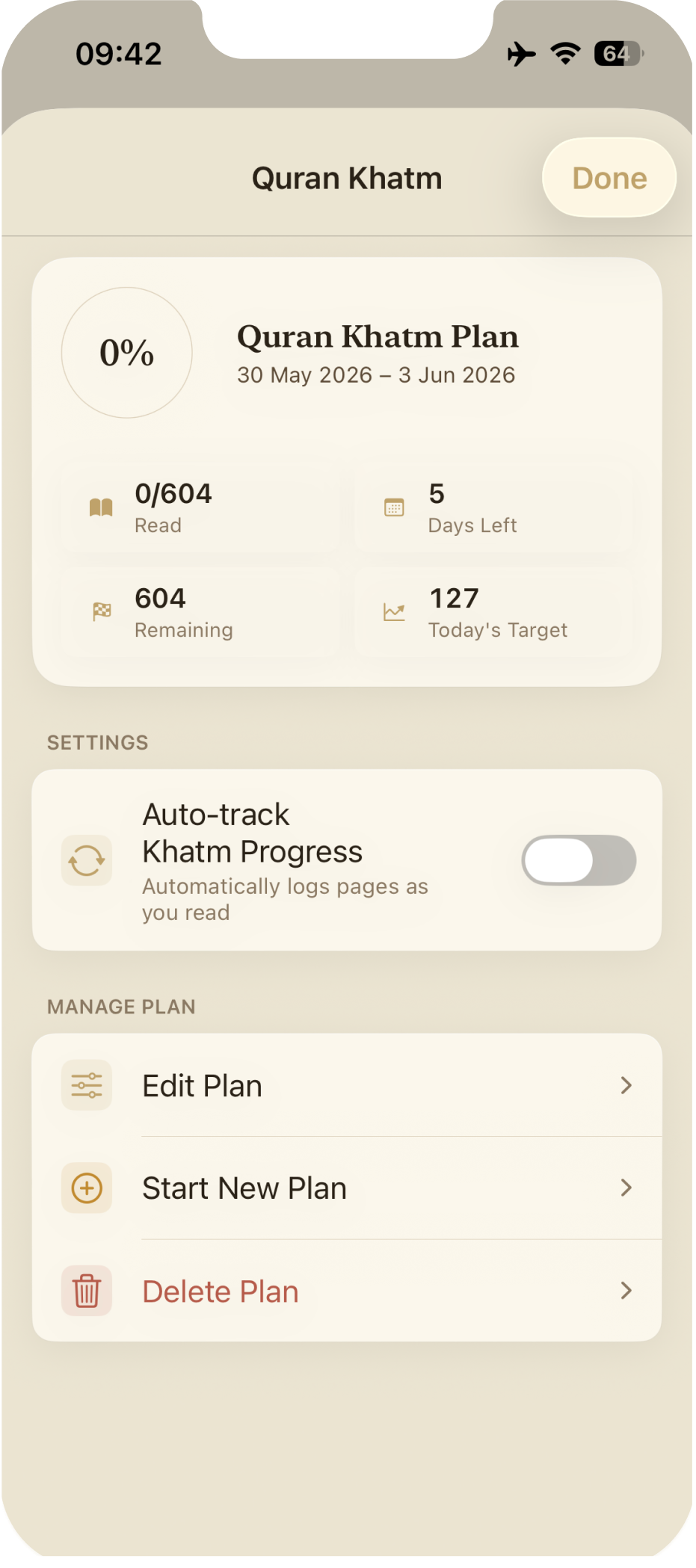
Khatm planner, fasting tracker, and considerate suhoor & iftar alerts that respect your schedule.
Prayer times, Qibla, and quick-log straight from your wrist. Syncs locally over Bluetooth — never to a server.
No social feeds, no notifications you didn't ask for, no celebrations of streaks. Open. Worship. Close. That's the loop.
No sign-up, no verification email, no dark patterns. The app is yours from the moment you open it.
Free on the App Store. No account needed, no permissions until you want them.
For accurate prayer times and Qibla. If you'd rather not, manual coordinates work just as well.
Log prayers, read Quran, count azkar — all at your own pace. Nothing watches over your shoulder.
Privacy isn't a setting we ship — it's the architecture. We collect only what is needed to provide the features you choose.
Zero analytics, zero advertising identifiers, zero behavioural fingerprints. None.
No email, no password, no profile. The app opens; you're already in.
Prayer logs, bookmarks, settings — all stored locally with iOS encryption.
No subscriptions, no in-app purchases, no upsells. The full app, always.
"We designed Sakinah with privacy as a constraint, not a feature. We keep worship data on-device and send location only when a feature needs it."The Sakinah Team
All data storage is on-device only using GRDB (SQLite):
This data stays entirely on your device, is never transmitted, and can be deleted anytime via Settings › Data Management.
When you grant Location (While Using App) permission, your location is used to calculate prayer times, show Qibla direction, and find nearby mosques if you choose mosque-based prayer times.
Why: Calculate prayer times, show Qibla direction, and find nearby mosques when requested. Required? Optional, recommended for accuracy. Retention: On-device data is not retained beyond app settings; nearby search requests may be present in short-lived operational logs.
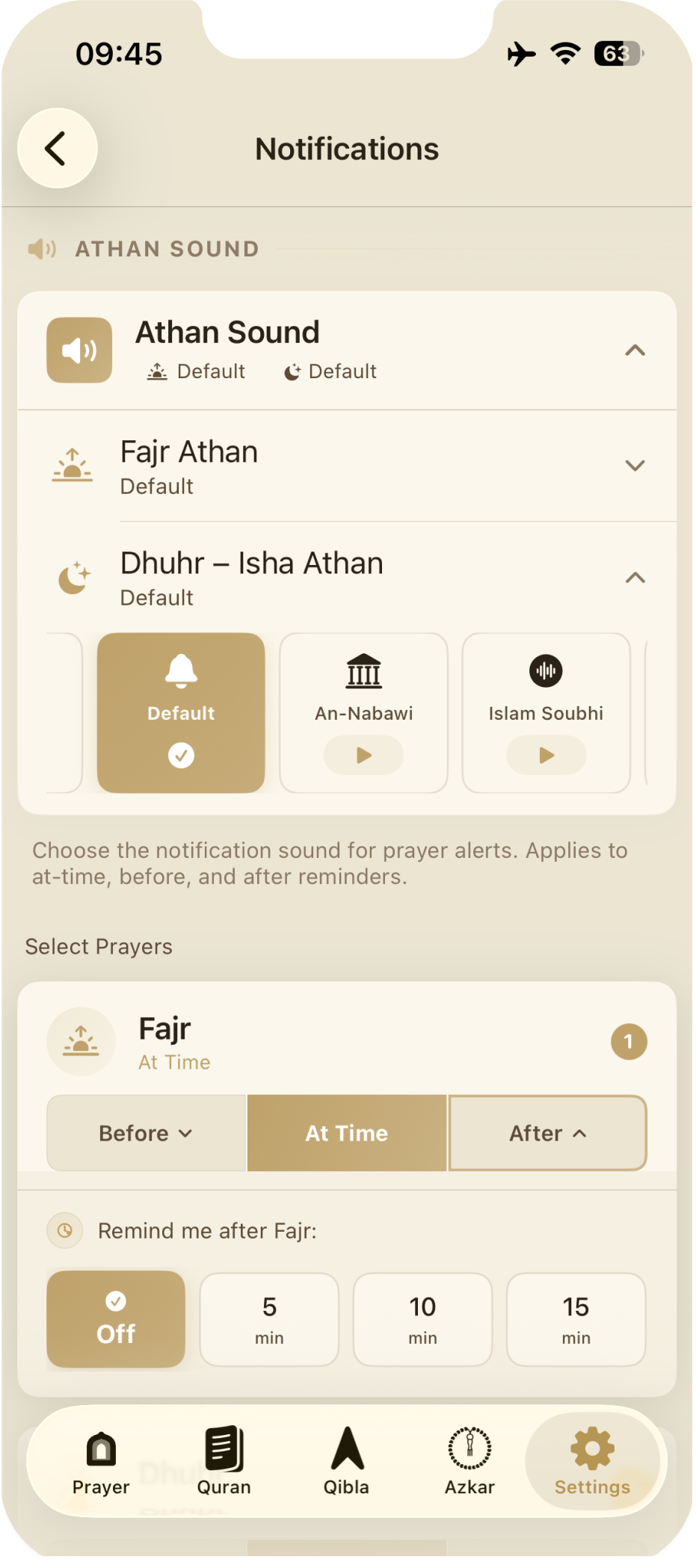
Why: Send prayer time reminders and Ramadan alerts. Required? Optional; per-prayer toggle.
Why: Sync prayer logs between iPhone and Apple Watch. How: Local sync only via WatchConnectivity (Wi-Fi/Bluetooth) — never servers.
Sakinah contacts our API for mosque search, mosque prayer-time calendars, and App Attest session authentication. These requests may include your IP address, request path, and, for nearby mosque search only, precise coordinates. We use this only for app functionality, fraud prevention, security, and service reliability.
When you stream Qur'anic audio or download translations, the app may contact Quran Foundation API (primary) or alquran.cloud (fallback). These services may log IP addresses as part of normal web server operations. We never transmit your identity, location, or preferences to these Quran services. For fully offline use, download translations and audio packs ahead of time.
We do not sell or share personal information for advertising or tracking.
Data is stored locally using iOS/watchOS Data Protection encryption. API requests are protected with Apple DeviceCheck App Attest where available. Sakinah is appropriate for all ages and does not knowingly collect personal information from children.
Great prayer companion, clean, reliable. Prayer times are accurate and easy to follow, Qibla direction is clear, and the interface feels calm and uncluttered. No ads, no tracking, and no subscriptions is a big plus.
Linnoomas · Sweden
Easy to use, and works offline when needed. It does exactly what it promises without distractions. A solid everyday app.
Ayesha Sabri
A thoughtfully designed and highly practical companion for Muslims seeking to maintain consistency and mindfulness in their daily worship. Combines essential religious functions with a clean, user-friendly interface.
Mahmoud9
Sakinah is a great app for Muslims. It's simple, easy to use, and has useful reminders and guidance to stay connected to Islam. I'd definitely recommend it!
Mina_221 · Hungary
ميزة القرآن رائعة، والتصفح سهل وواضح. والأجمل إنه يشتغل بدون إنترنت، مفيد جدًا للتسمع خارج البيت.
Aldin1777 · Sweden
Very smooth to use 👌🏻 amazing for u who needs motivation to pray and recite Quran ❤️
Ammar.m15737 · Sweden
Best app to keep your religion good.
Religion 1 · Sweden
Very easy to use, good job!!
Fetthyia · Sweden
Fantastic.
aarsstg · Sweden
Prayer times vary by calculation method. Sakinah supports 13 methods (MWL, ISNA, Egyptian, Umm Al-Qura, and more). Your mosque may use a different method or apply local adjustments.
Go to Settings › Prayer Times › Calculation Method to match your local standard. When precision matters, always confirm with your mosque.
Go to Settings › Prayer Times › Asr Calculation and select your madhab. Standard (Shafi'i / Maliki / Hanbali) uses shadow ratio 1:1; Hanafi uses 1:2.
Calibrate your device's compass: move your iPhone in a figure-8 pattern. Also check that Location (While Using App) permission is granted in Settings. If issues persist, restart the app.
Translations: Quran tab → settings icon → Translations. Select what you want and tap Download.
Audio: Settings › Quran › Reciter Voice › Download for Offline. Pick a reciter; expect a few hundred MB.
Sakinah does not use analytics, tracking, advertising identifiers, or accounts. Your worship data stays on-device. If you use nearby mosque search, location is sent to Sakinah's API only to return nearby mosque calendars. See the Privacy section for the details.
No. Sakinah is completely free with every feature unlocked — no subscriptions, no in-app purchases, no ads, ever. Worship shouldn't have a paywall.
Data syncs automatically via WatchConnectivity when both devices are nearby. Open Sakinah on your iPhone to trigger a sync. The sync happens locally over Wi-Fi/Bluetooth — no cloud services involved.
Go to Settings › Data Management › Delete All Data. This permanently removes all prayer logs, bookmarks, preferences, and counter state from your device. Uninstalling the app does the same.
Yes — go to Settings › Ramadan › Date Override to simulate any day of Ramadan. Useful for trying the fasting tracker, khatm planning, and Ramadan-specific notifications year-round.
Built by one person, with care. Replies usually arrive within 1–3 business days.
Bug reports, feature requests, theological questions about the calculation methods — all welcome.
dinawi@me.comApp version, iOS / watchOS version, device model, and a short description of what happened. Screenshots are gold.
If your question isn't answered above, this form lands directly in our inbox.
Join Muslims around the world using Sakinah for a more consistent, more private, more meaningful daily worship.